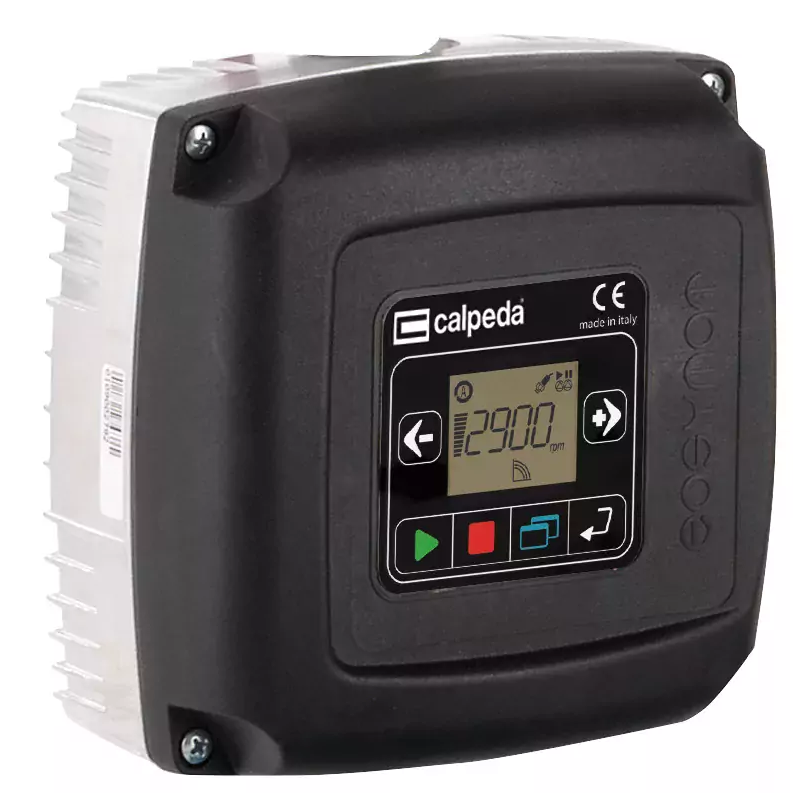
Control PanelEasymat is equipped with a control panel for simple system programming and parameter monitoring.
The 2 scroll buttons are used to scroll the different operating parameters that EASYMAT can show.
At the same time you can use the 2 scroll buttons to move in the set up menu and to change the different options.
The LCD custom display gives an easy overview of the system situation and of the operating parameters.
The icons on the top and below the display area explain in which way EASYMAT is working and if there are problems on the system.
The four set-up buttons allow the operator to move between and set-up the menu's options and to start and stop the pump. The symbols help to make the function of each button clear.
With these 4 buttons and the 2 scroll buttons you can manage all the set-up and operating parameters without the use of an other control panel or computer.
Control Panel
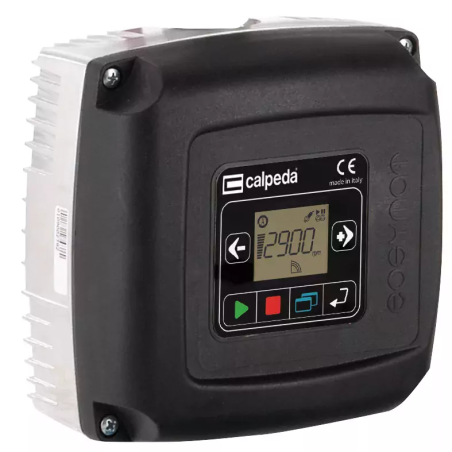
Easymat is equipped with a control panel for simple system programming and parameter monitoring.
The 2 scroll buttons are used to scroll the different operating parameters that EASYMAT can show.
At the same time you can use the 2 scroll buttons to move in the set up menu and to change the different options.
The LCD custom display gives an easy overview of the system situation and of the operating parameters.
The icons on the top and below the display area explain in which way EASYMAT is working and if there are problems on the system.
The four set-up buttons allow the operator to move between and set-up the menu's options and to start and stop the pump. The symbols help to make the function of each button clear.
With these 4 buttons and the 2 scroll buttons you can manage all the set-up and operating parameters without the use of an other control panel or computer.
Display LCD
The integrated LCD custom display gives you an easy overview of the system situation and operating parameters.
DISPLAY AREA
The display area gives the status of the parameters of the pump.
The OPERATING ICONS show in which mode the system is operating:
Constant pressure mode
The system keeps the pressure constant when the quantity of water requested by the user changes. The user can choose the operating pressure according his needs.
Fixed speed mode
The system works at a fixed speed that user can choose according his needs.
The SYSTEM ICONS show in which way the system is operating:
Auto Mode
The icon shows that the system is operating in auto mode (constant pressure mode), the constant pressure mode it is indicated by the icon on the lower part of the display.
Manual Mode
This icon indicates operation in manual mode (fixed speed), allowing the user to adjust speed via navigation buttons, with the status shown in the lower display area.